MathJax Math
Display mathematical equations and formulas using LaTeX-style syntax with MathJax.
Quick Start
Step 1: Enable MathJax
Add mathjax: true to your page's front matter:
Step 2: Write Equations
Inline math with single dollar signs:
Display math with double dollar signs:
Configuration
Theme Integration
The theme includes MathJax support. The include file loads MathJax conditionally:
{% raw %}{% if page.mathjax %}
<!-- MathJax 3 configuration — must appear before the script tag.
     Enables $...$ inline math (off by default in MathJax 3). -->
<script>
window.MathJax = {
  tex: {
    inlineMath: [['$', '$'], ['\\(', '\\)']],
    displayMath: [['$$', '$$'], ['\\[', '\\]']],
    processEscapes: true
  }
};
</script>
<script id="MathJax-script" async
  src="{{ '/assets/vendor/mathjax/es5/tex-mml-chtml.js' | relative_url }}"></script>
{% endif %}{% endraw %}
Syntax Examples
Inline Math
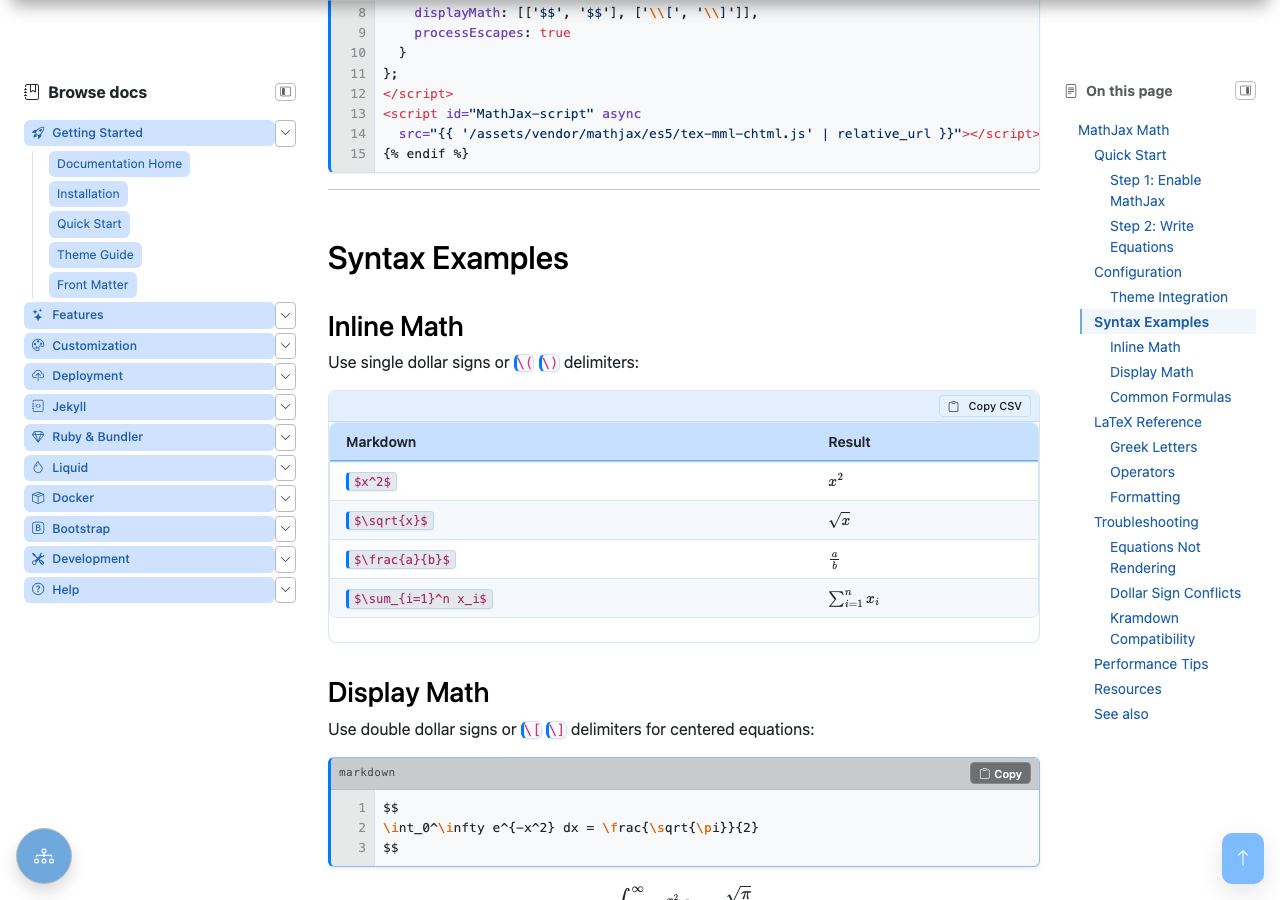
Use single dollar signs or \( \) delimiters:
| Markdown | Result |
|---|---|
$x^2$ |
\(x^2\) |
$\sqrt{x}$ |
\(\sqrt{x}\) |
$\frac{a}{b}$ |
\(\frac{a}{b}\) |
$\sum_{i=1}^n x_i$ |
\(\sum_{i=1}^n x_i\) |
Display Math
Use double dollar signs or \[ \] delimiters for centered equations:
\[ \int_0^\infty e^{-x^2} dx = \frac{\sqrt{\pi}}{2} \]
Common Formulas
Quadratic Formula:
\[ x = \frac{-b \pm \sqrt{b^2 - 4ac}}{2a} \]
Matrix:
\[
A = \begin{pmatrix}
a & b \\
c & d \end{pmatrix} \]
LaTeX Reference
Greek Letters
| Code | Symbol | Code | Symbol |
|---|---|---|---|
\alpha |
\(\alpha\) | \beta |
\(\beta\) |
\gamma |
\(\gamma\) | \delta |
\(\delta\) |
\pi |
\(\pi\) | \sigma |
\(\sigma\) |
\omega |
\(\omega\) | \theta |
\(\theta\) |
Operators
| Code | Symbol | Description |
|---|---|---|
\sum |
\(\sum\) | Summation |
\prod |
\(\prod\) | Product |
\int |
\(\int\) | Integral |
\partial |
\(\partial\) | Partial derivative |
\infty |
\(\infty\) | Infinity |
\approx |
\(\approx\) | Approximately |
\neq |
\(\neq\) | Not equal |
\leq |
\(\leq\) | Less than or equal |
Formatting
| Code | Result | Description |
|---|---|---|
x^2 |
\(x^2\) | Superscript |
x_i |
\(x_i\) | Subscript |
\frac{a}{b} |
\(\frac{a}{b}\) | Fraction |
\sqrt{x} |
\(\sqrt{x}\) | Square root |
\sqrt[n]{x} |
\(\sqrt[n]{x}\) | nth root |
\overline{x} |
\(\overline{x}\) | Overline |
\hat{x} |
\(\hat{x}\) | Hat |
Troubleshooting
Equations Not Rendering
- Check front matter — ensure
mathjax: trueis set - Check delimiters — use
$...$for inline,$$...$$for display - Escape special characters — use
\\for backslash in some contexts - Check browser console — look for MathJax loading errors
Dollar Sign Conflicts
If you need literal dollar signs, escape them:
Kramdown Compatibility
Kramdown processes content before MathJax. For complex equations, use the \[ and \] delimiters or wrap in HTML:
Performance Tips
- Only enable when needed — use
mathjax: trueselectively - Use async loading — the CDN script includes
asyncattribute - Minimize equations — complex equations slow rendering
- Consider pre-rendering — for static content, use images
Resources
- MathJax Documentation
- LaTeX Math Symbols
- Detexify — Draw symbols to find LaTeX code
- HostMath — Online equation editor
This guide is part of the Zer0-Mistakes Jekyll Theme documentation.
See also
- [[Features]]
- [[Mermaid Diagrams]]
- [[Jupyter Notebook Integration]]