Code Copy Button
Automatic copy buttons on all code blocks for easy clipboard copying.
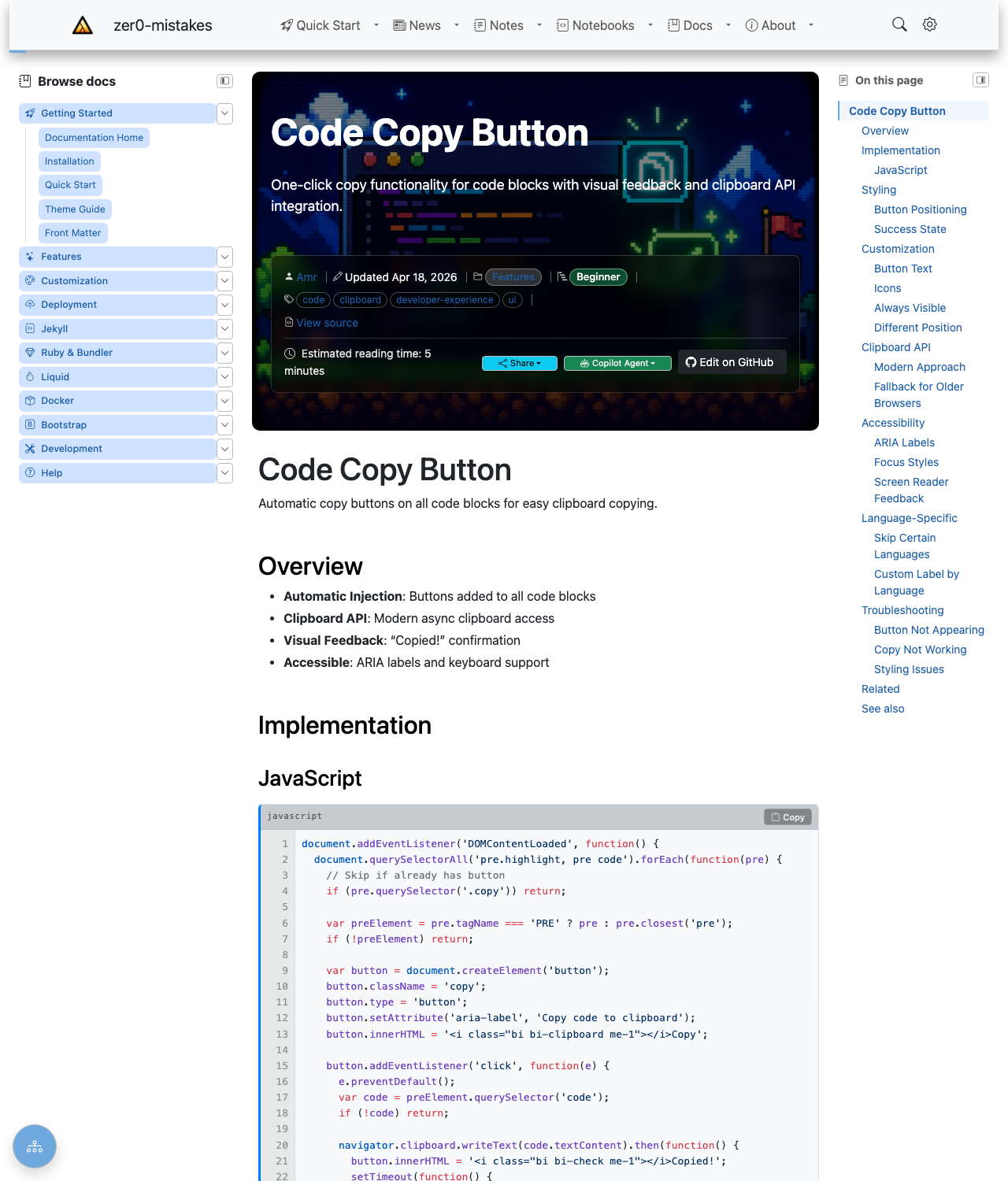
The button is injected automatically into every fenced code block — there's no front matter to set and nothing to import. Hover a block and click Copy to put its contents on the clipboard, with a brief "Copied!" confirmation.
Overview
- Automatic Injection: Buttons added to all code blocks
- Clipboard API: Modern async clipboard access
- Visual Feedback: "Copied!" confirmation
- Accessible: ARIA labels and keyboard support
Implementation
JavaScript
document.addEventListener('DOMContentLoaded', function() {
  document.querySelectorAll('pre.highlight, pre code').forEach(function(pre) {
    // Skip if already has button
    if (pre.querySelector('.copy')) return;

    var preElement = pre.tagName === 'PRE' ? pre : pre.closest('pre');
    if (!preElement) return;

    var button = document.createElement('button');
    button.className = 'copy';
    button.type = 'button';
    button.setAttribute('aria-label', 'Copy code to clipboard');
    button.innerHTML = '<i class="bi bi-clipboard me-1"></i>Copy';

    button.addEventListener('click', function(e) {
      e.preventDefault();
      var code = preElement.querySelector('code');
      if (!code) return;

      navigator.clipboard.writeText(code.textContent).then(function() {
        button.innerHTML = '<i class="bi bi-check me-1"></i>Copied!';
        setTimeout(function() {
          button.innerHTML = '<i class="bi bi-clipboard me-1"></i>Copy';
        }, 2000);
      });
    });

    preElement.appendChild(button);
  });
});
Styling
Button Positioning
pre.highlight {
  position: relative;
}

pre .copy {
  position: absolute;
  top: 0.5rem;
  right: 0.5rem;
  padding: 0.25rem 0.5rem;
  font-size: 0.75rem;
  background: var(--bs-secondary);
  color: white;
  border: none;
  border-radius: var(--bs-border-radius);
  opacity: 0;
  transition: opacity 0.2s;
}

pre:hover .copy {
  opacity: 1;
}

pre .copy:hover {
  background: var(--bs-primary);
}
Success State
Customization
Button Text
Icons
// Bootstrap Icons
button.innerHTML = '<i class="bi bi-clipboard"></i>';

// Text only
button.textContent = 'Copy';

// SVG icon
button.innerHTML = '<svg>...</svg>';
Always Visible
Different Position
/* Bottom right */
pre .copy {
  top: auto;
  bottom: 0.5rem;
}

/* Top left */
pre .copy {
  right: auto;
  left: 0.5rem;
}
Clipboard API
Modern Approach
navigator.clipboard.writeText(text)
  .then(() => console.log('Copied!'))
  .catch(err => console.error('Failed to copy:', err));
Fallback for Older Browsers
function copyToClipboard(text) {
  if (navigator.clipboard) {
    return navigator.clipboard.writeText(text);
  }

  // Fallback
  var textarea = document.createElement('textarea');
  textarea.value = text;
  textarea.style.position = 'fixed';
  document.body.appendChild(textarea);
  textarea.select();
  document.execCommand('copy');
  document.body.removeChild(textarea);
  return Promise.resolve();
}
Accessibility
ARIA Labels
Focus Styles
pre .copy:focus {
  outline: 2px solid var(--bs-primary);
  outline-offset: 2px;
}

pre .copy:focus-visible {
  opacity: 1;
}
Screen Reader Feedback
// Announce copy success
button.setAttribute('aria-label', 'Copied to clipboard');
setTimeout(() => {
  button.setAttribute('aria-label', 'Copy code to clipboard');
}, 2000);
Language-Specific
Skip Certain Languages
// Don't add to terminal output
if (pre.classList.contains('language-output')) return;
if (pre.classList.contains('language-console')) return;
Custom Label by Language
var lang = pre.className.match(/language-(\w+)/);
if (lang) {
  button.setAttribute('aria-label', `Copy ${lang[1]} code`);
}
Troubleshooting
Button Not Appearing
- Check code block has
pre.highlightorpre code - Verify JavaScript is loaded
- Check CSS isn't hiding button
- Inspect for duplicate buttons
Copy Not Working
- Check browser clipboard permissions
- Verify HTTPS (required for Clipboard API)
- Test fallback method
- Check for JavaScript errors
Styling Issues
- Verify
position: relativeon pre - Check z-index conflicts
- Test hover states
- Verify button is inside pre
Related
See also
- [[Features]]
- [[Code Highlighting]]