GitHub Setup
Authenticate with GitHub, fork the theme, and deploy your site to GitHub Pages.
flowchart LR
    A([Machine Setup done]) --> B[gh auth login]
    B --> C[Fork bamr87/zer0-mistakes]
    C --> D[./scripts/fork-cleanup.sh]
    D --> E[docker compose up]
    E --> F[git push origin main]
    F --> G[GitHub Actions builds site]
G --> H([username.github.io live 🚀])Prerequisites
- Completed Machine Setup (Docker, Git, GitHub CLI)
- A GitHub account
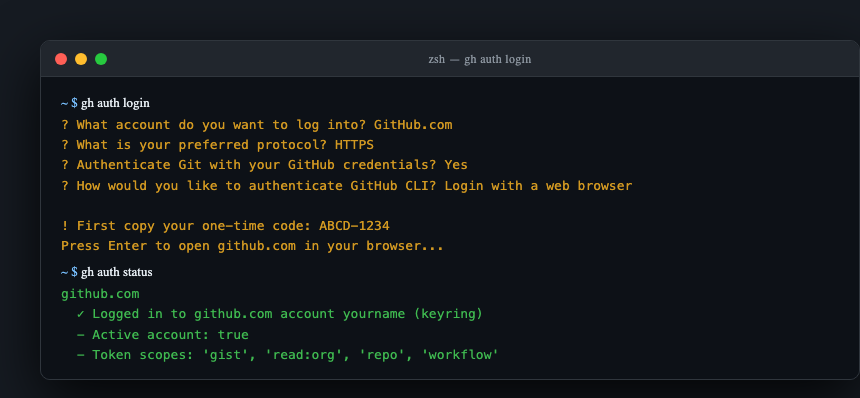
Step 1 — Authenticate with GitHub CLI
gh auth login
# → GitHub.com
# → HTTPS
# → Login with a web browser
# Copy the one-time code, press Enter, paste in the browser
Verify:
Step 2 — Fork the Repository
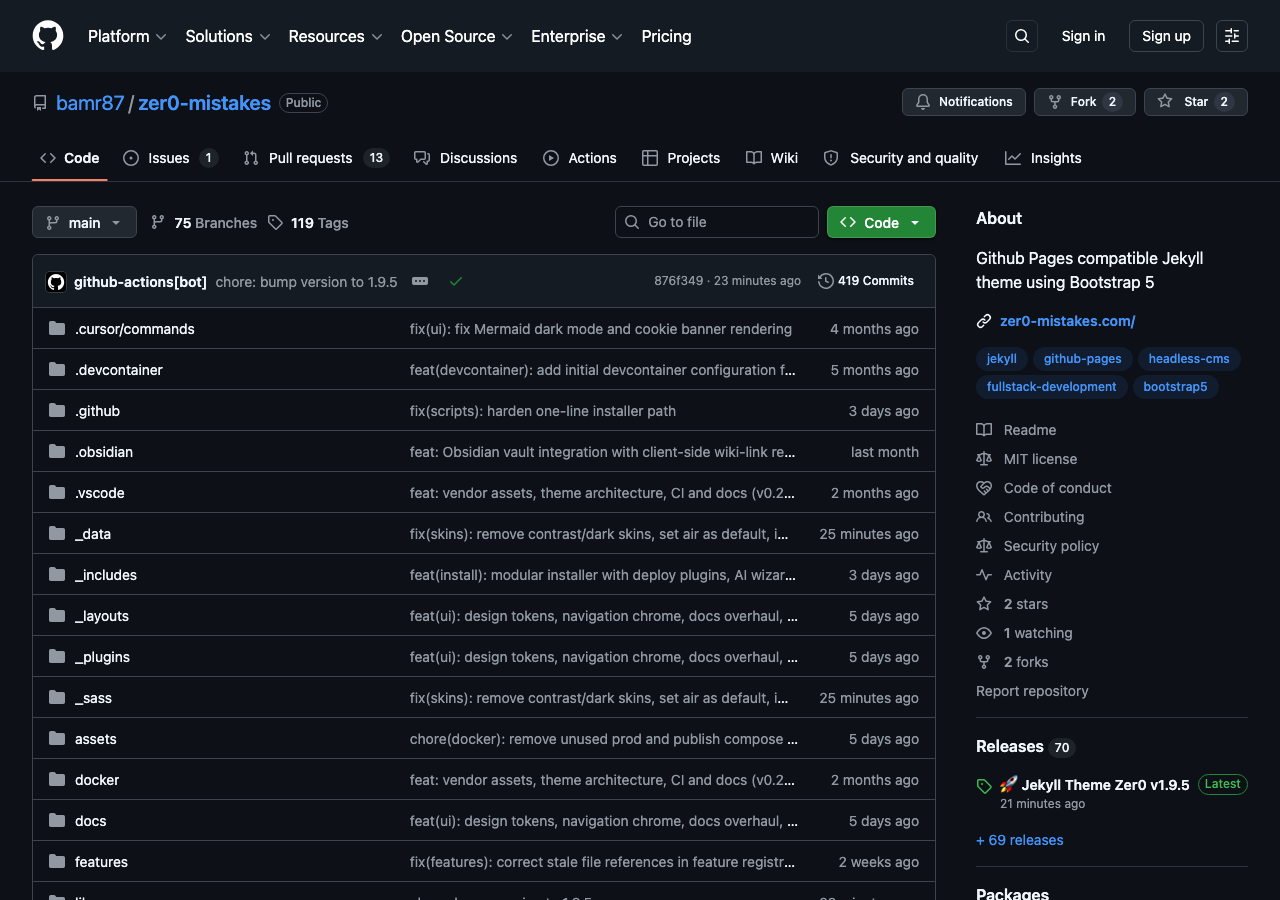
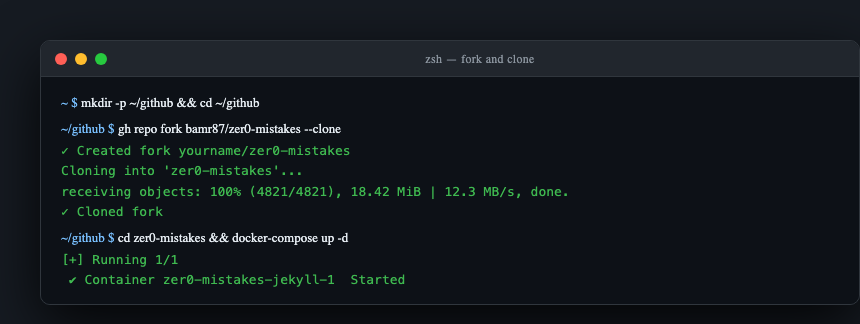
Fork bamr87/zer0-mistakes into your account. The easiest path is naming it <your-username>.github.io so GitHub Pages deploys at your root domain — no baseurl needed.
Via GitHub CLI:
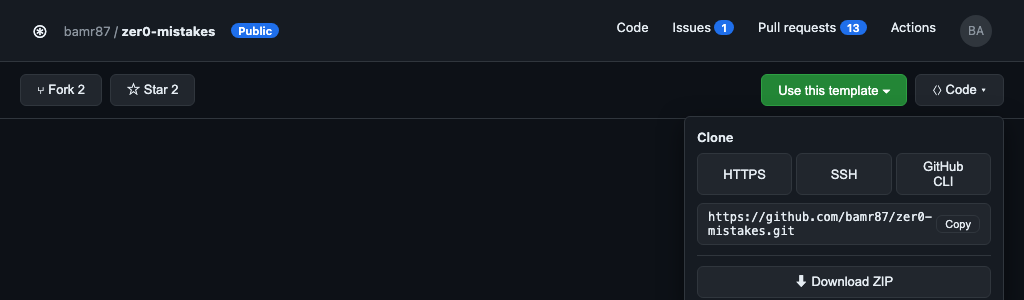
Or via the GitHub web UI:
- Go to github.com/bamr87/zer0-mistakes
- Click Fork → set name to
<your-username>.github.io - Click Create fork, then clone:
git clone https://github.com/<your-username>/<your-username>.github.io.git
cd <your-username>.github.io
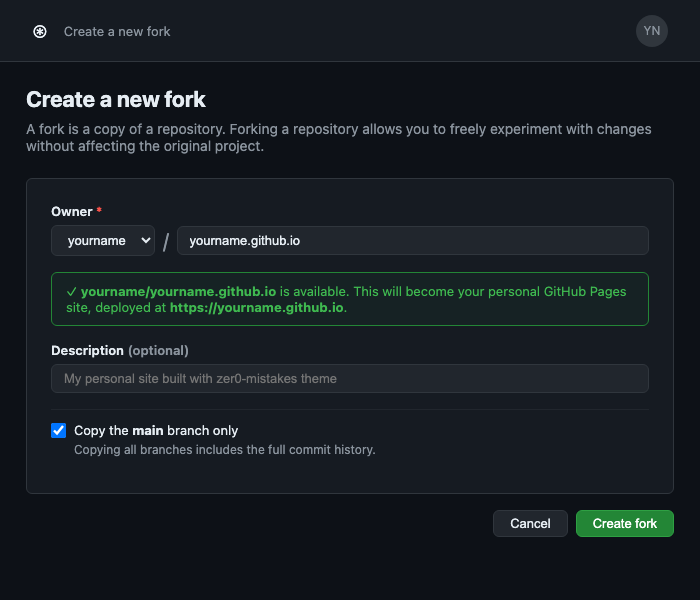
See docs/installation/forking.md for the full fork → configure → personalize workflow.
Step 3 — Run the Fork Cleanup Script
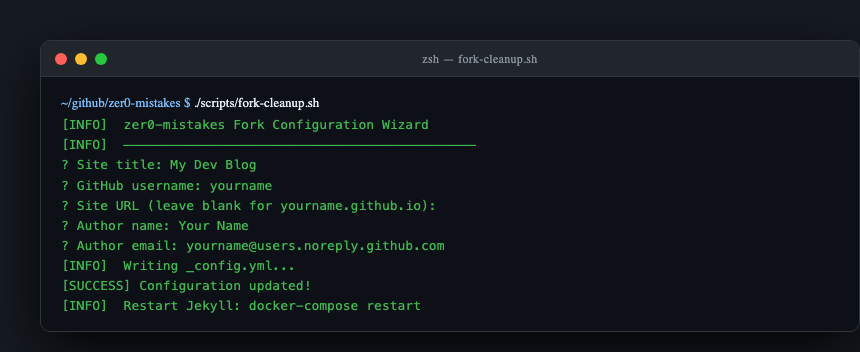
The interactive wizard strips out theme-specific content and configures the repo for your site:
It will prompt you for your site title, URL, author name, and other basic settings and write them into _config.yml.
Step 4 — Start the Dev Server
Visit http://localhost:4000 to confirm your personalized site is running.
Step 5 — Enable GitHub Pages
In your forked repo on GitHub.com:
- Settings → Pages
- Source: Deploy from branch
- Branch:
main→/(root) - Click Save
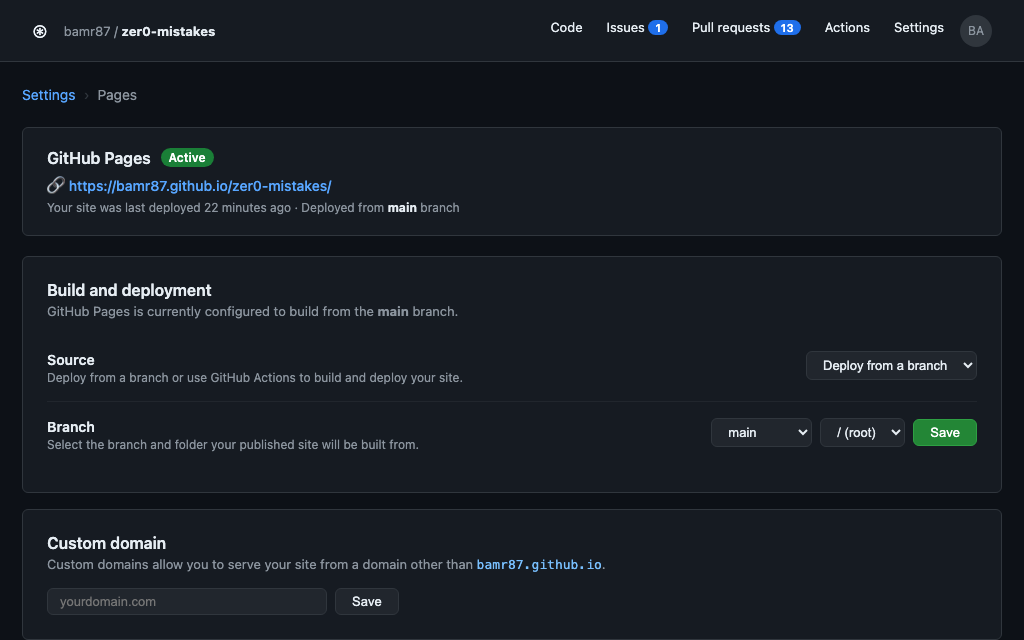
After the first push, GitHub Actions builds the site and it appears at:
Step 6 — Push Your Changes
git add _config.yml pages/          # stage by path, not `git add -A`
git commit -m "feat: initial site personalization"
git push origin main
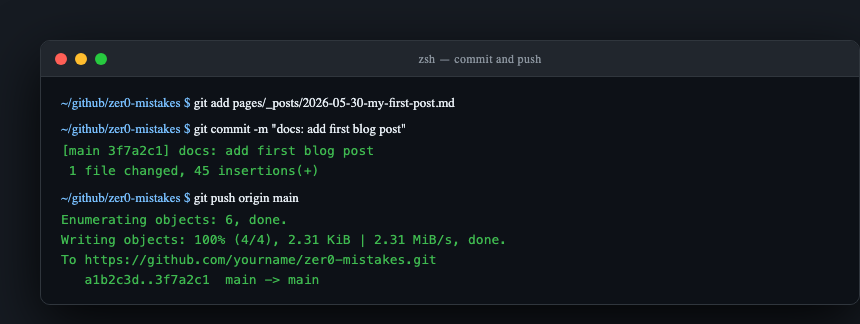
Watch the deployment: Actions tab → pages build and deployment workflow.
Git Workflow for Ongoing Development
# New feature branch
git checkout -b feat/my-feature

# Make changes, then stage the files you actually touched
git add pages/_posts/my-first-post.md
git commit -m "feat(posts): add first blog post"

# Push and open PR
git push origin feat/my-feature
gh pr create --fill
Merge to main to trigger a Pages deployment.
Troubleshooting
Forking into a different repo name (not username.github.io)
Add baseurl to _config.yml:
Pages build failing
# Check the Actions tab in GitHub for build logs
# Common fix: ensure _config.yml has no YAML syntax errors
bundle exec jekyll build --config '_config.yml,_config_dev.yml' --trace
gh auth login fails
Ensure port 443 (HTTPS) is open. Try --web flag or create a Personal Access Token and use gh auth login --with-token.
Remote origin mismatch